
Open Settings => Portal settings.
In the Data/Time Settings tab you can choose your timezone, preferred data format (d/m/y or m/d/y) or/and add information about weekends.
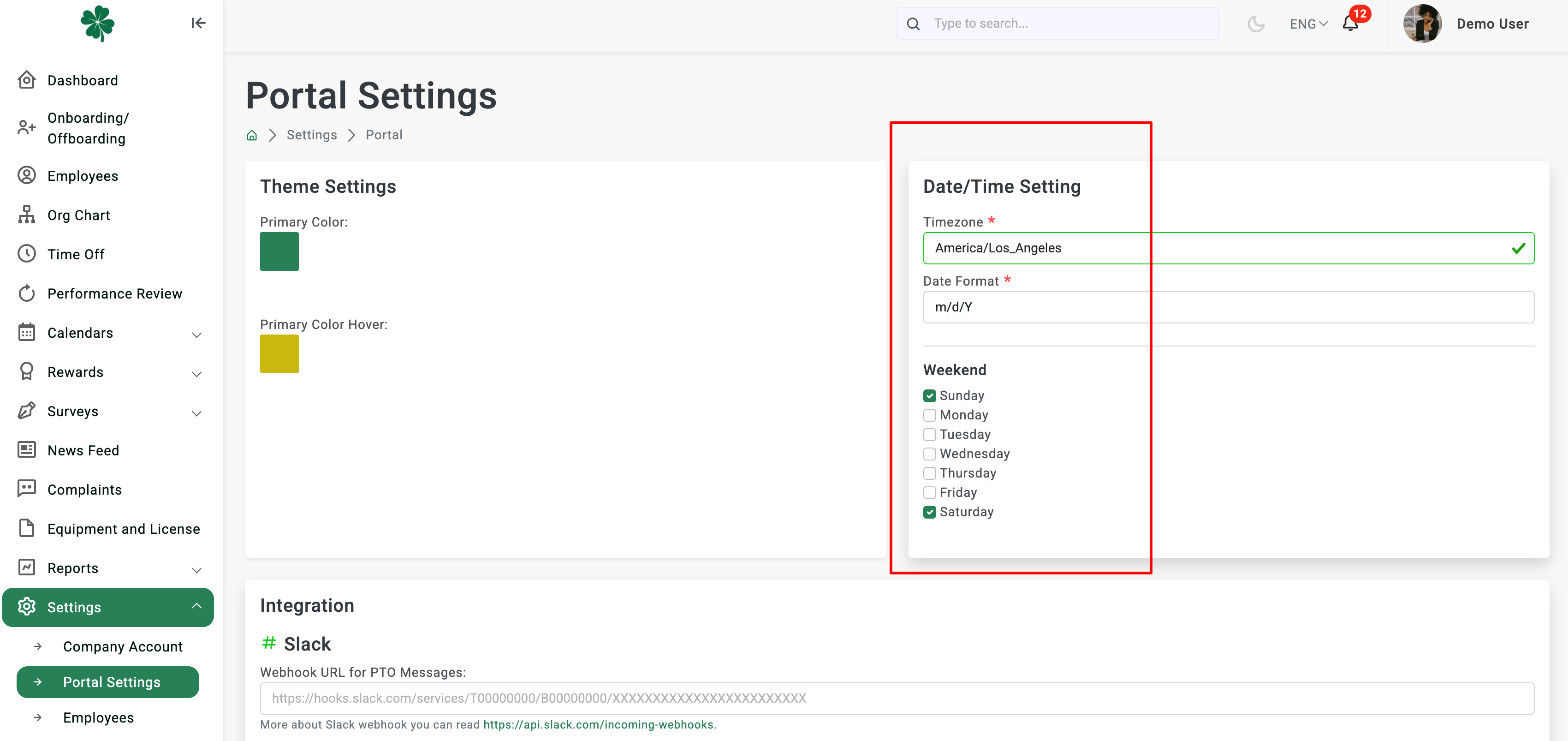
Adding the information about weekends is needed for correct time off calculation. These days will not be calculated in time off requests.
Click on the Update Setting button in the bottom right corner.